Echo command

The Linux echo command

The echo command does one simple job: it prints to the output the argument passed to it.

This example:

echo "hello"

will print hello to the terminal.

We can append the output to a file:

echo "hello" >> output.txt

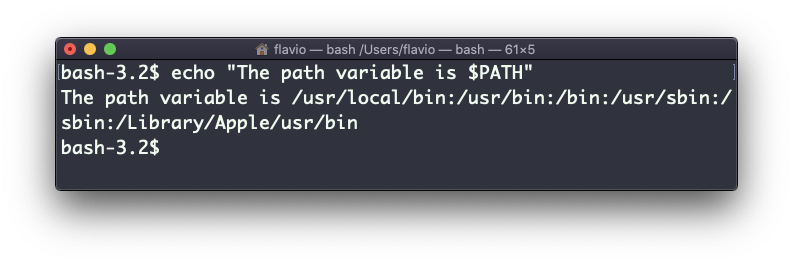
We can interpolate environment variables:

echo "The path variable is $PATH"
Screen-Shot-2020-09-03-at-15.44.33

Beware that special characters need to be escaped with a backslash \. $ for example:

Screen-Shot-2020-09-03-at-15.51.18 This is just the start. We can do some nice things when it comes to interacting with the shell features.
We can echo the files in the current folder:

We can echo the files in the current folder that start with the letter o:

Any valid Bash (or any shell you are using) command and feature can be used here.

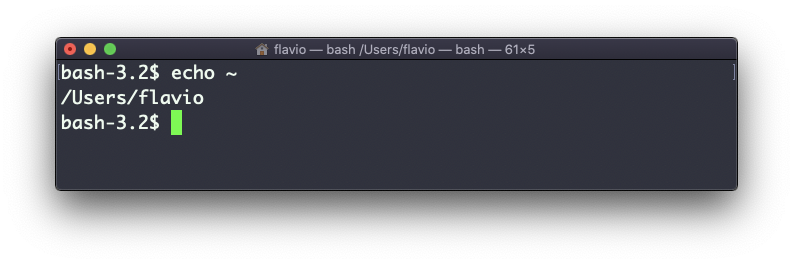
You can print your home folder path:

Screen-Shot-2020-09-03-at-15.46.36

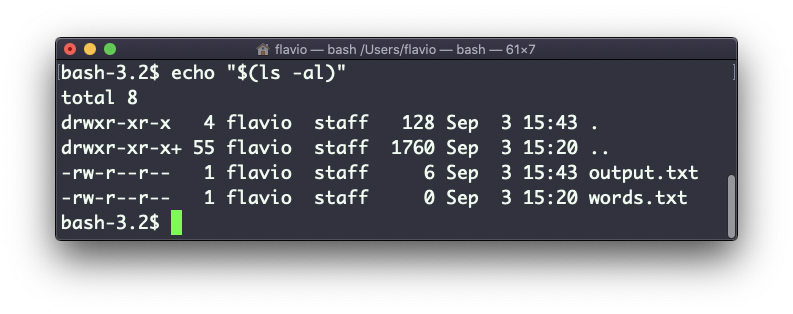
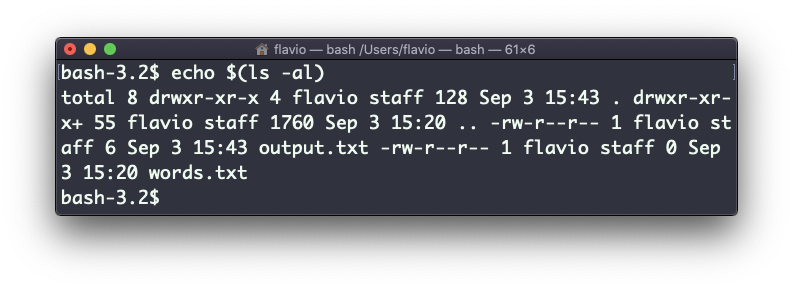
You can also execute commands, and print the result to the standard output (or to file, as you saw):

Screen-Shot-2020-09-03-at-15.48.55

Note that whitespace is not preserved by default. You need to wrap the command in double quotes to do so:

Screen-Shot-2020-09-03-at-15.49.53

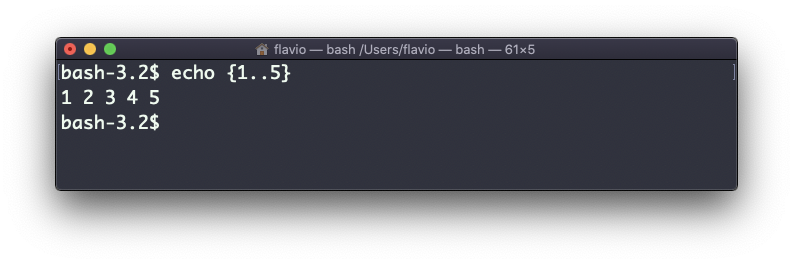
You can generate a list of strings, for example ranges:

Last updated